Find Do Not Disturb on iPhone: Exact Settings Path
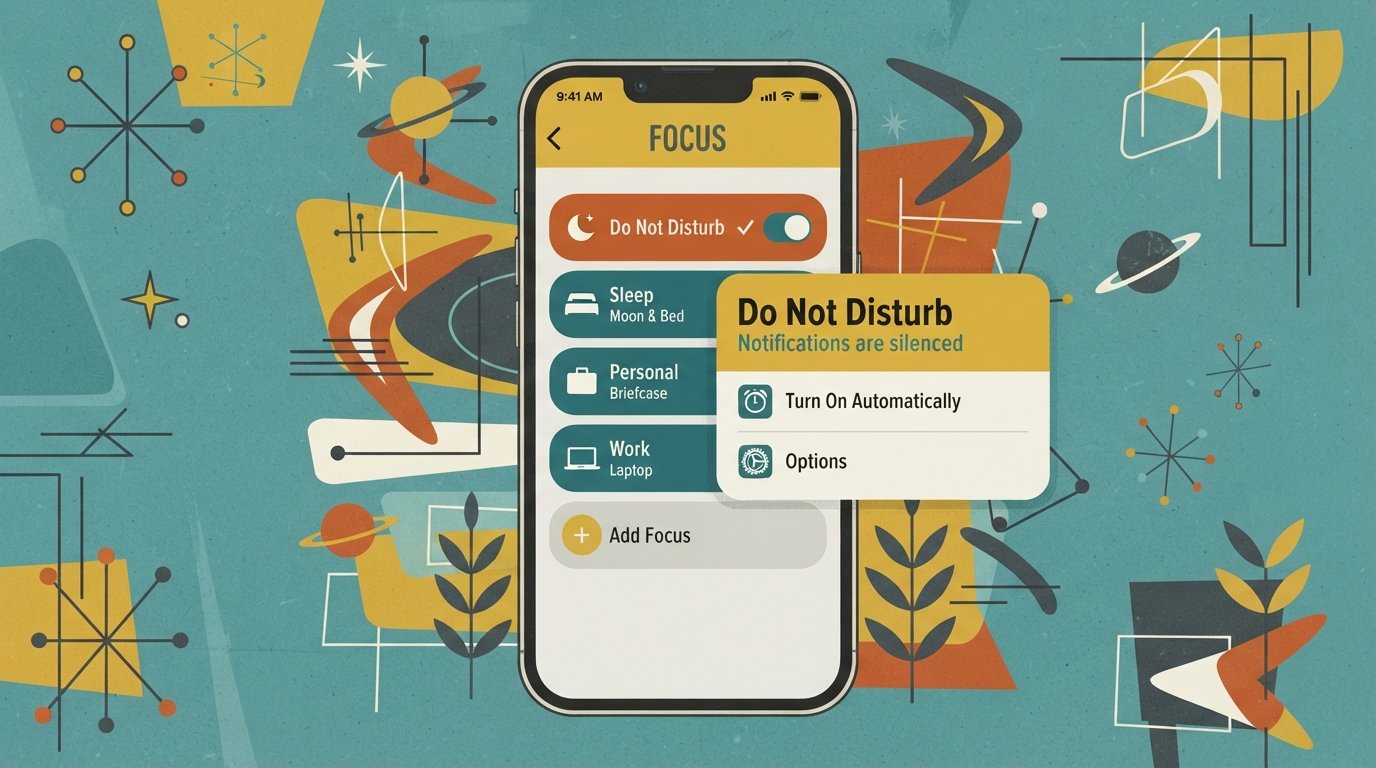
Where Is Do Not Disturb on iPhone? Do Not Disturb is located in two places on iPhone: Control Center (swipe down from the top-right corner) and Settings > Focus > Do Not Disturb. Since iOS 15, Apple moved Do Not Disturb inside the Focus menu, which is why it no longer appears as a standalone option in Settings. Quick Facts … Read more