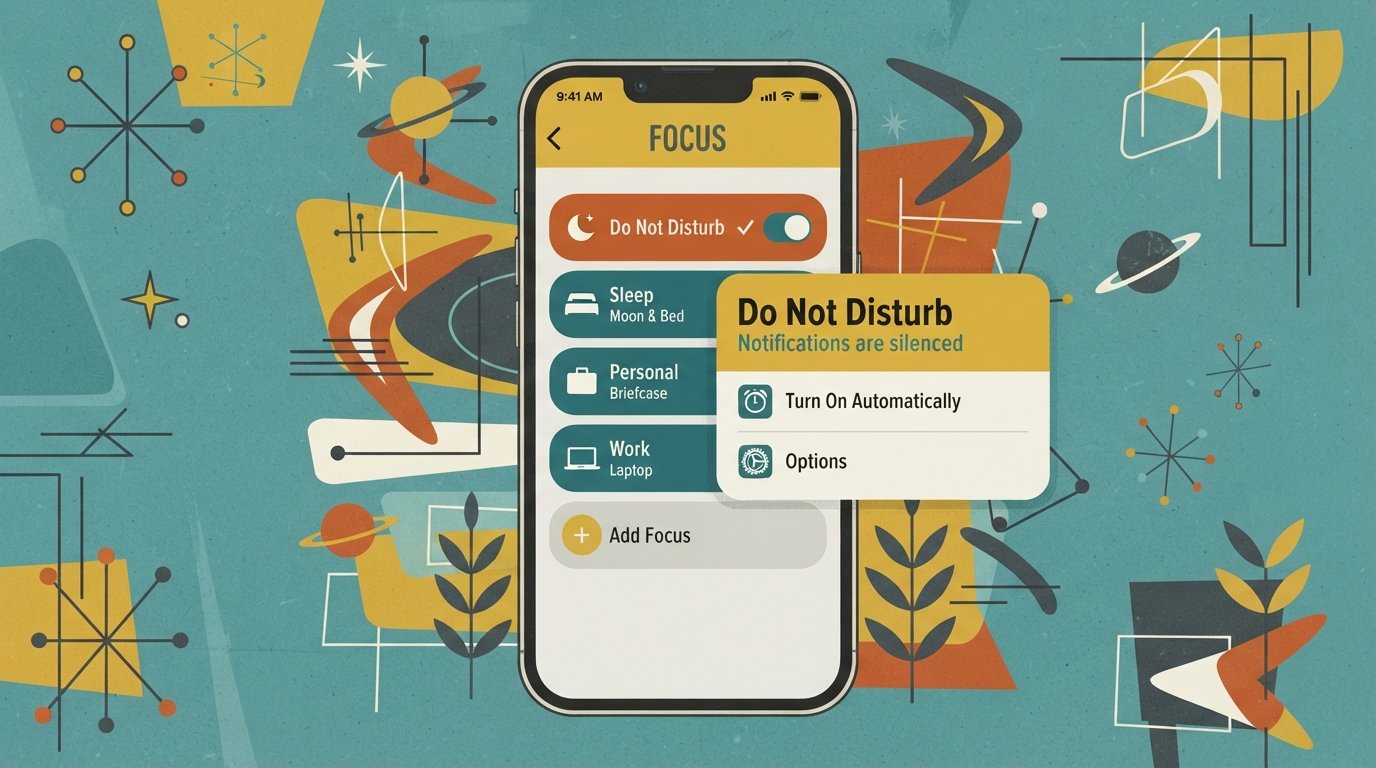
Do Not Disturb Android: Where It Is & How to Use It
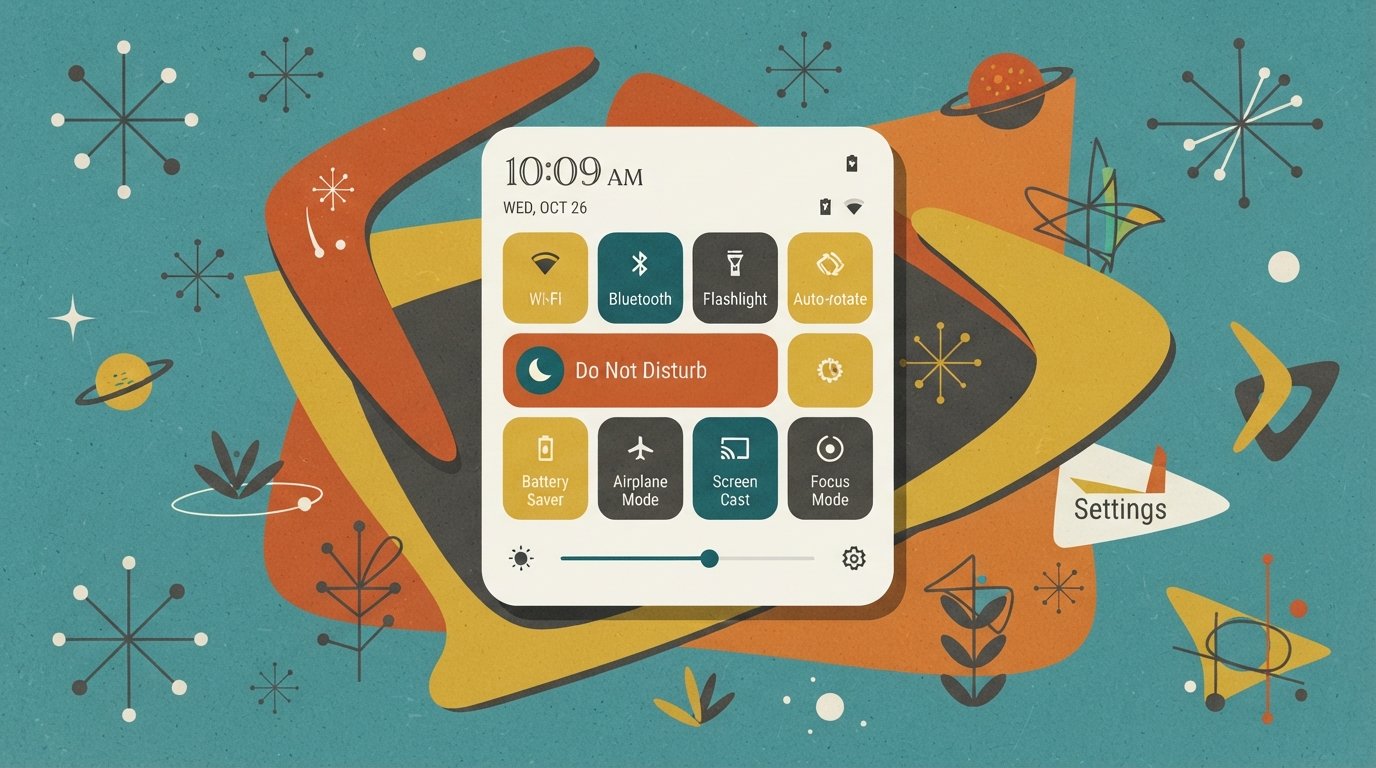
do not disturb android

Do Not Disturb Android: Where It Is and How to Use It On most Android phones, Do Not Disturb is located in Settings > Notifications > Do Not Disturb (Samsung), Settings > Modes (Pixel and Android 15+), or Settings > Sound & vibration > Do Not Disturb (Xiaomi and Motorola). The fastest way to toggle it is to swipe down from … Read more
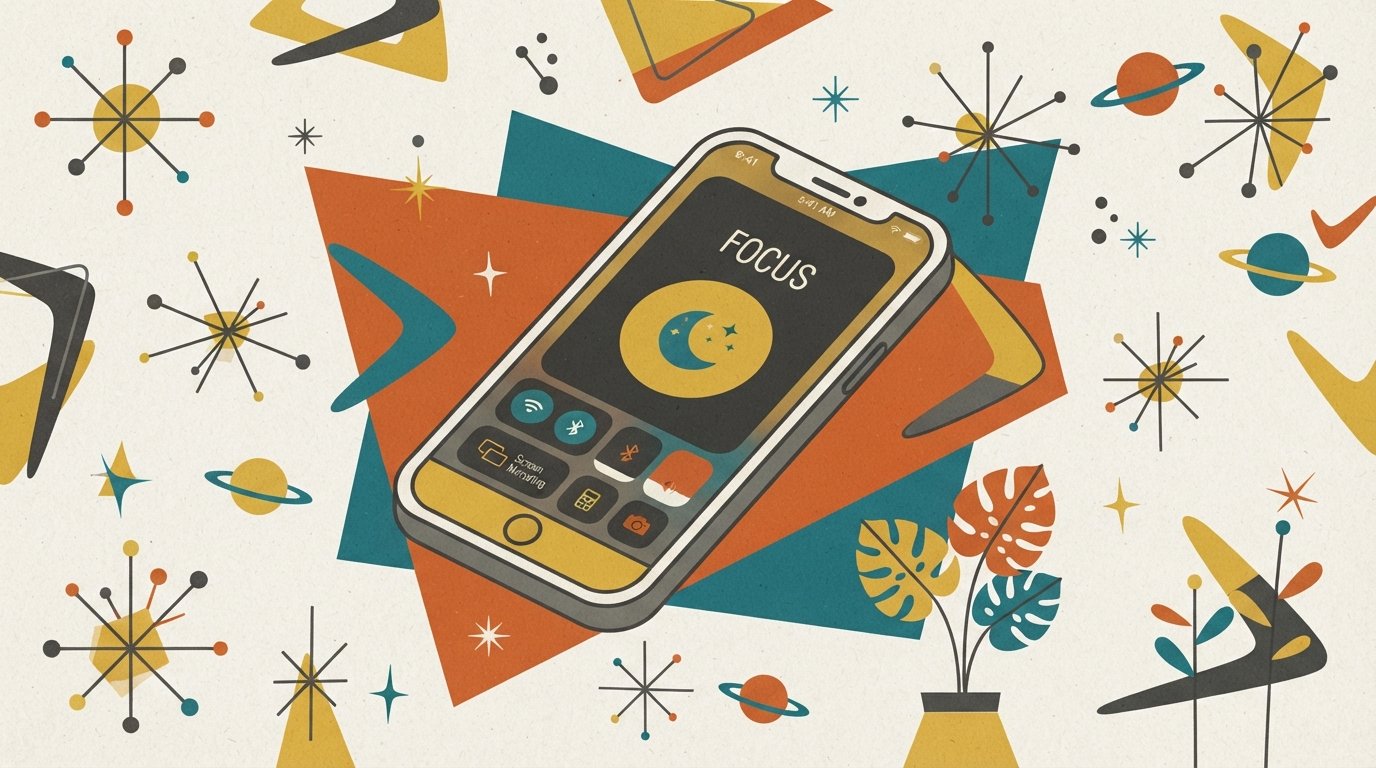
iPhone Not Ringing? Fix It Fast

iphone ringer not working

iPhone Ringer Not Working? Here’s How to Fix It If your iPhone ringer is not working, the most common cause is the Ring/Silent switch flipped to silent or Focus mode turned on. The fastest fix: check the switch on the left side of your iPhone. If you see orange, flip it back. Then swipe down from the top-right … Read more

Find Do Not Disturb on iPhone: Exact Settings Path

where is do not disturb on iphone

Where Is Do Not Disturb on iPhone? Do Not Disturb is located in two places on iPhone: Control Center (swipe down from the top-right corner) and Settings > Focus > Do Not Disturb. Since iOS 15, Apple moved Do Not Disturb inside the Focus menu, which is why it no longer appears as a standalone option in Settings. Quick Facts … Read more